Getting Started with Automated Testing: What to Test First on Your Business Website
Automated TestingWebsite TestingBusiness WebsiteDigital Transformation- Date : Oct 22
- Time : 5 Min Read
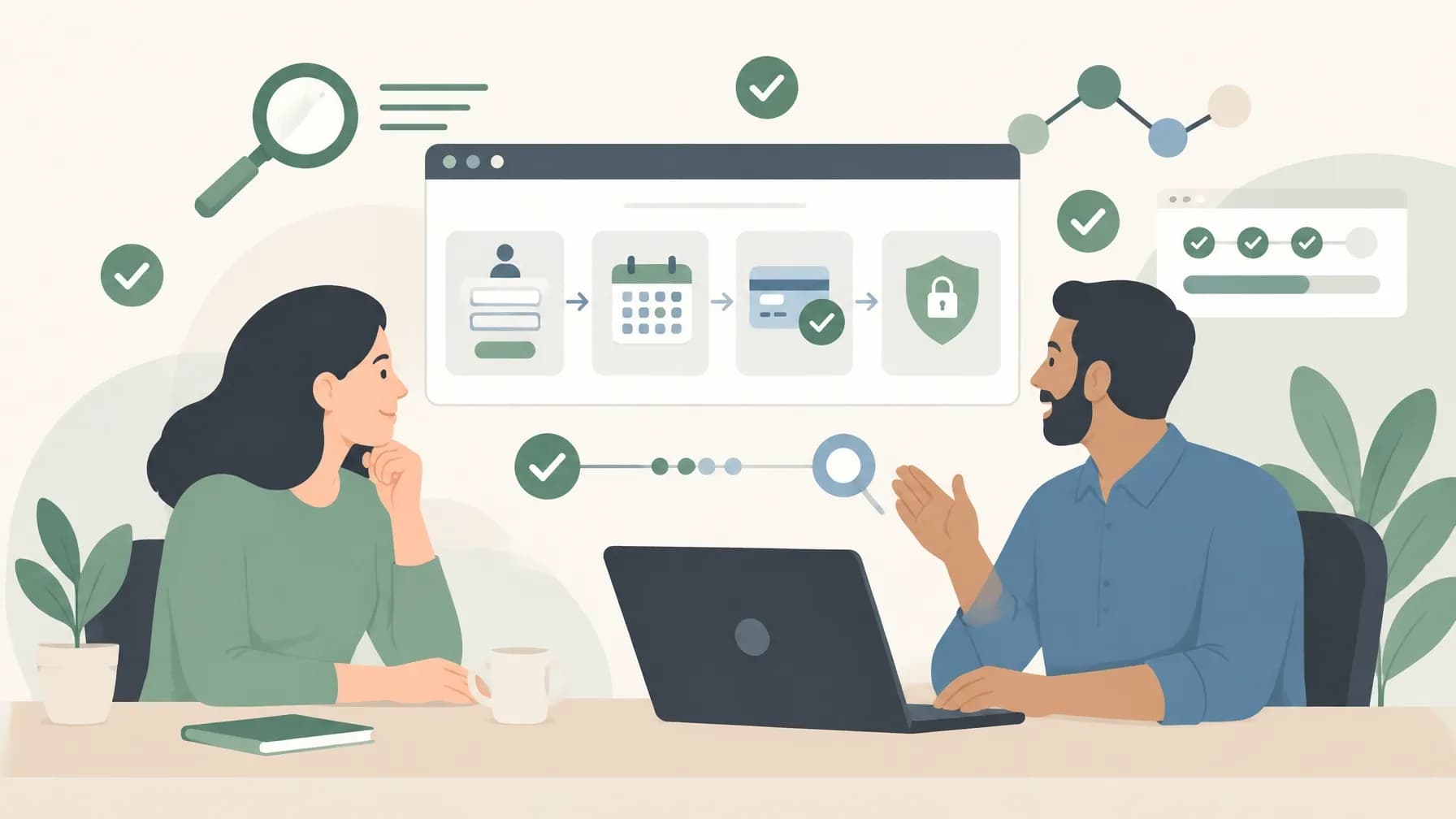
Automated testing can sound like a large technical project. But getting started with automated testing doesn't require testing every page, button and browser from day one. A more useful starting point is to identify a handful of important customer journeys and check that they continue to work as your website changes. This guide explains what to test first on your business website, what can wait, how a simple testing setup works and how to judge whether it is worth maintaining.
The aim is not to maximise the number of tests. It is to build confidence in the parts of your website customers and staff rely on most.
What to test first on your business website
A page is not necessarily the best unit for planning tests. Think instead about a user journey: the steps someone takes to complete a useful task, such as sending an enquiry or booking an appointment.
Start by asking:
- What do customers need to be able to do on the website?
- Which steps would cause the most disruption if they stopped working?
- Which journeys are repeated often, or checked manually after each website update?
- How would the team know if a test failed, and who would respond?
This gives you a short, prioritised list rather than a sprawling test plan. For many businesses, the first candidates are enquiry forms, booking or checkout, important contact routes and account access.
1. Enquiry forms and contact paths
If your website generates leads, test the route from the page to a successfully submitted enquiry. A useful check might confirm that required fields are validated, a submission confirmation appears and the enquiry reaches the expected destination, such as a CRM or shared inbox.
Include alternative contact routes when they are central to how customers reach you: for example, a callback request or a link to book a consultation. A form that appears to submit but does not pass information on is not a successful customer journey. Conversational enquiry systems such as ChatForm can make these journeys more engaging, but they still benefit from the same end-to-end checks as a traditional contact form.
2. Booking and checkout flows
For a booking site, test that a user can select a service, date or time and reach a clear confirmation. For an online shop, test the essential path from selecting a product through the basket and checkout.
These flows can involve external services, such as payment providers or calendar systems. Start with a controlled test environment or sandbox where possible, and make sure automated runs cannot create real bookings, charge a live card or send unnecessary messages.
3. Login and account access
If customers or staff use a secure area, consider testing sign-in, sign-out, password reset and one or two key tasks after login. Prioritise the actions that users actually depend on; you do not need to automate every account setting at the outset.
4. The route to the action
A working form does not help if visitors cannot find it. Where the journey commonly starts on a landing page, service page or product listing, check that the relevant link or button leads to the right place. This connects the page to the conversion action without requiring an automated test for every page on the site.
What not to automate first
Automation is not a good fit for every check. Some tests take longer to build and maintain than the manual task they replace. For a first phase, it is usually sensible to leave out:
- Low-impact pages and rarely used content, unless there is a specific compliance or business reason to check them.
- Every possible text and layout variation. Broad visual checks can produce noise when content changes frequently.
- Highly subjective design reviews. A script can verify that an element exists; it cannot reliably decide whether a page feels clear and persuasive to your audience.
- One-off tasks that are quick to check manually. Automate repeatable work, not work that is already inexpensive and infrequent.
- Tests dependent on unstable third-party services. Isolate external providers during most test runs, then add limited, controlled checks for the real connection where needed.
A useful rule is to automate a check when it protects an important outcome, is repeated often enough, and can be run reliably with predictable test data.
How to get started with automated testing
A practical first setup does not need to be complicated. It usually includes a test environment, a small collection of browser-based checks and a way to run them automatically.
How a first testing setup works
1. Map the journey. Write down the user's starting point, the actions they take and the result that confirms success. Agree this with the people who understand the business process, not only the developers.
2. Choose a small initial suite. Start with a few high-value end-to-end tests, such as submitting an enquiry or completing a test booking. Use representative test data that can be reset or recreated.
3. Add the checks to a browser-testing tool. Tools such as Playwright and Cypress can drive a browser through the journey. If you are weighing up options, our comparison of Playwright vs Cypress for automated testing in 2026 sets out the trade-offs.
4. Run the tests automatically. Trigger the suite when code changes, before a release or on a schedule. The point is to catch regressions at the moment they are introduced, not weeks later.
5. Make failures actionable. A failed test should say which journey broke and where. Route alerts to the person or team responsible, and agree how quickly they should respond.
6. Review and extend gradually. Add a test when a journey becomes business-critical or when a recurring manual check can be replaced reliably. Remove or update tests that no longer reflect how the site works.
Keeping tests useful rather than noisy
A test suite loses value when it fails for reasons nobody cares about. Keep test data separate from production, reset it between runs, and avoid checks that depend on exact copy or layout if those change frequently.
Where a site is updated regularly, automated checks work best alongside a planned approach to change. If you are preparing a significant rebuild, it is worth reviewing how to rebuild your site without losing your Google rankings so that performance, redirects and key journeys are considered together.
It is also worth connecting testing to the wider cost of downtime. A broken enquiry form or checkout can quietly lose revenue; our article on how automated testing prevents costly website downtime explains the commercial case in more detail.
If you would rather not build and maintain the testing setup in-house, TeqFlo's bespoke development services can help you streamline your operations with automated checks built around your actual customer journeys.
A sensible starting point
For many UK businesses, the first automated test suite should cover one enquiry journey, one booking or checkout journey, and sign-in if a secure area exists. Add a check for the main route into each of those actions. Run the tests whenever the website changes, and review the suite every few months to make sure it still reflects the business.
That is enough to catch the failures that matter most without turning testing into a project in its own right. Start small, protect the journeys that generate enquiries and revenue, and extend the suite only when there is a clear reason to do so.
Related posts