Continuous Testing Without a DevOps Department: A Practical CI/CD Approach for Small Teams
Continuous TestingCI/CDSmall TeamsAutomated TestingDevOps- Date : Oct 29
- Time : 3 Min Read
Continuous Testing Without a DevOps Department: A Practical CI/CD Approach for Small Teams is not just a scaled-down version of enterprise engineering. It is a deliberate way for a small UK business to verify important website and application journeys whenever software changes, without hiring a dedicated DevOps function. The goal is a reliable feedback loop: make a change, run focused automated checks, review the evidence, then release with confidence. You do not need to test everything; you need to test the right things consistently.
What Continuous Testing Means in Practice for Small Teams
Continuous integration and delivery (CI/CD) is the process of integrating changes and moving them through a repeatable pipeline. Continuous testing adds automated checks to that process. A developer proposes a change; the CI system installs dependencies, starts the application, runs selected tests and reports pass or fail. If checks fail, the team investigates before approving or merging the change.
For a small team, the practical constraints matter. You are unlikely to have a full-time platform engineer, a dedicated QA department or a large infrastructure budget. That means the pipeline must be simple, cheap to run and easy to maintain. Hosted CI runners, containerised test environments and a small suite of high-value tests are usually enough.
The most important design decision is scope. Start with the journeys that would cause the most damage if they broke: a customer submitting an enquiry, a user signing in, a checkout completing, or a critical integration returning the expected response. These are your smoke tests. They should run on every pull request and finish quickly. Deeper regression suites can run less often, for example nightly or before a release.
Small teams also benefit from treating test code as production code. Keep it readable, review it, and delete tests that no longer reflect real behaviour. Flaky tests are worse than no tests because they train the team to ignore failures. A useful practice is to quarantine a flaky test, fix it within a defined window, and keep the main pipeline trustworthy.
If you are new to automated checks, a sensible first step is to decide what to test first on your business website. Focus on the revenue-critical paths before adding breadth. This mirrors the approach we recommend in our guide to getting started with automated testing, where the priority is to test the journeys that matter most to the business rather than chasing coverage percentages.
Building a Lean CI/CD Approach with Practical Testing
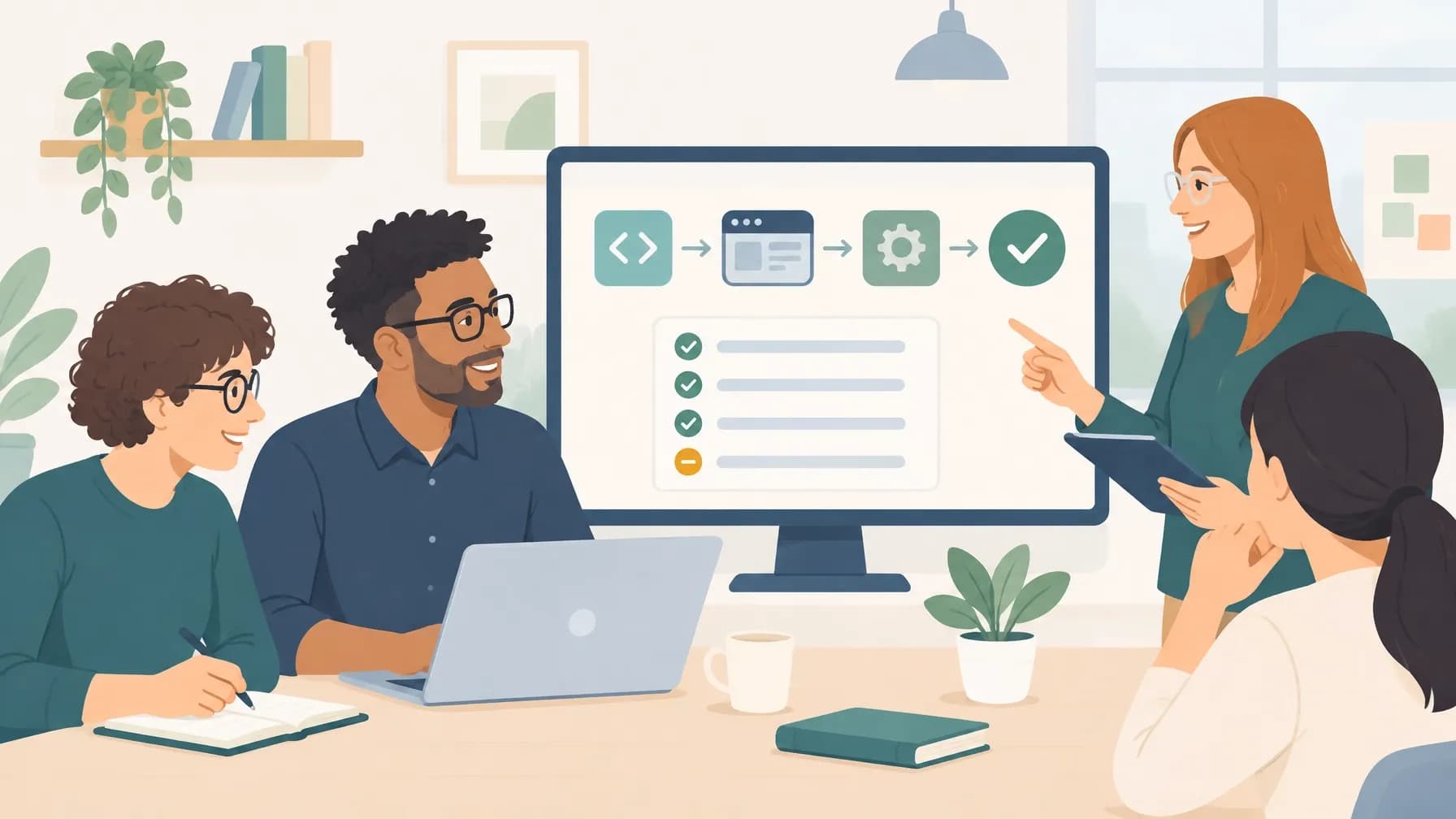
A lean CI/CD approach for a small team usually has four stages: lint and static checks, unit tests, integration tests and a small end-to-end suite. Each stage should fail fast and give a clear signal. The pipeline should be defined in a configuration file stored with the code, so it is versioned and reviewable.
Containerisation helps keep environments consistent. A Docker image or a hosted ephemeral environment means the test run starts from a known state. That reduces the classic problem of tests passing on one machine and failing on another. For web applications, a headless browser can exercise real user journeys against a staging environment that mirrors production closely enough for confidence.
Secrets management deserves attention even in a small setup. API keys and test credentials should be stored in the CI provider's secret store, not in the repository. Access should be limited to the pipeline that needs it. This is basic hygiene, but it is often skipped when teams move quickly.
Observability is the other half of continuous testing. A passing pipeline tells you the checks ran; it does not tell you the site is healthy in production. Pair automated tests with uptime monitoring and error tracking. Automated testing prevents costly website downtime by catching regressions before release, while monitoring catches issues that only appear under real traffic. Together they give a small team a realistic safety net.
When choosing tooling, favour tools that are well documented, widely adopted and easy for a generalist developer to maintain. Playwright and Cypress are both reasonable choices for browser testing, and the trade-offs are worth understanding before committing. Our comparison of Playwright vs Cypress for automated testing in 2026 covers the practical differences in speed, debugging and cross-browser support.
It is also worth planning for growth. A pipeline that works for two developers should still work for five. Keep the test suite layered so that fast checks run constantly and slower checks run on a schedule. Avoid building a monolith of end-to-end tests that takes an hour to run; that becomes a bottleneck and people stop waiting for it.
Finally, connect the pipeline to the release process. A green build should be a prerequisite for deployment, and a failed build should block it. That single rule creates discipline without bureaucracy. For teams that want help designing a pipeline around their actual workflows, bespoke solutions built around your business are usually more effective than copying an enterprise template. Professional automation is key to scaling operations efficiently, and the same principle applies to testing: automate the repeatable checks so the team can focus on judgement and improvement. You can explore how TeqFlo approaches custom digital solutions if you want a practical starting point.