From Spreadsheet to Software: When Your Business Outgrows 'Off-the-Shelf' Tools
Software DevelopmentBusiness AutomationDigital TransformationWorkflow AutomationApp DevelopmentSales Growth- Date : Sep 17
- Time : 4 Min Read
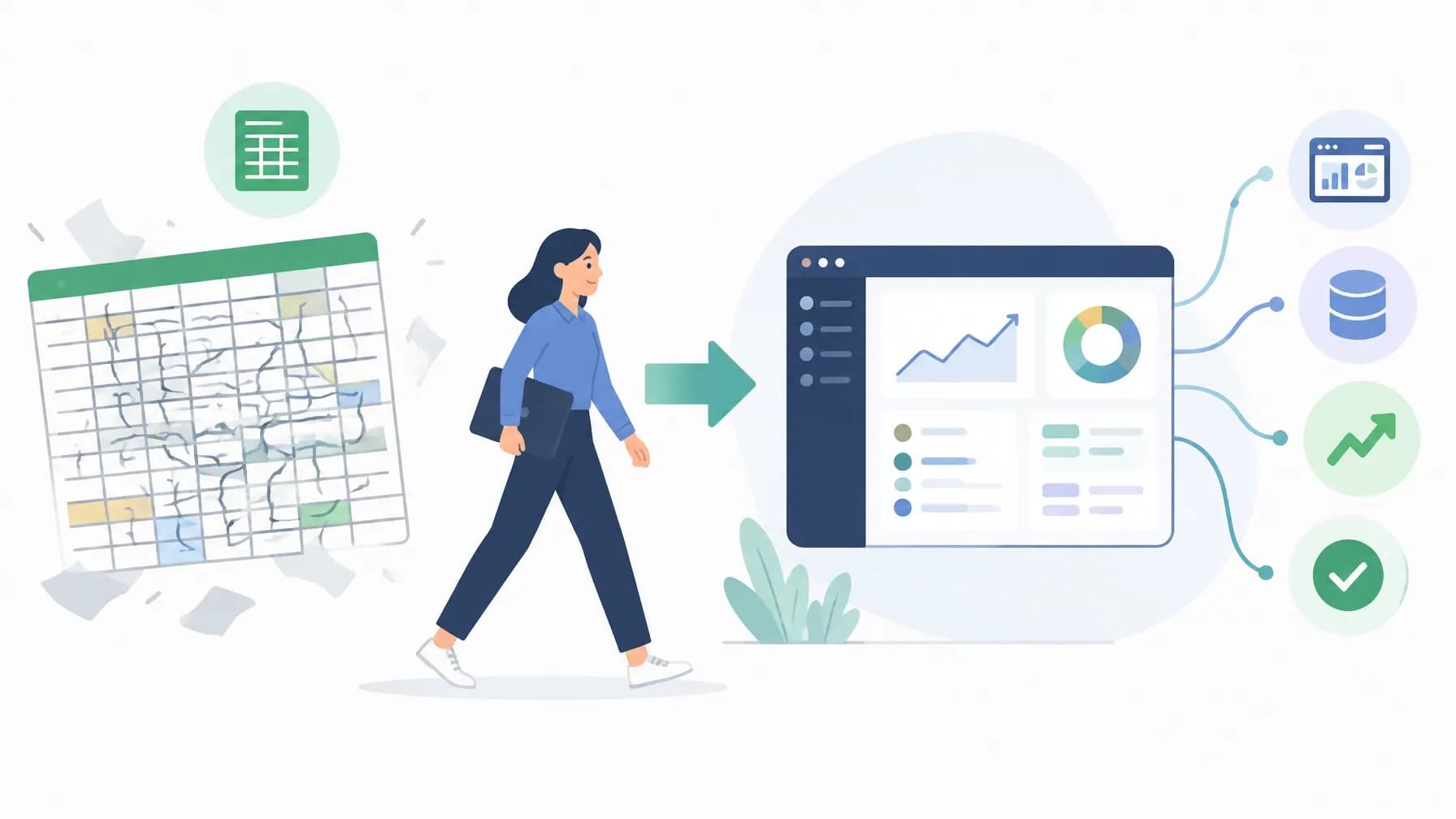
In the early stages of a business, the humble spreadsheet is the unsung hero of operations. It is flexible, accessible and virtually free. Whether you are tracking leads, managing stock or scheduling staff, a well-built Excel or Google Sheet feels like the ultimate Swiss Army knife. But the move from spreadsheet to software is inevitable for most growing companies, and the tipping point is rarely a single dramatic failure. It is the slow accumulation of lost hours, duplicated data and quiet human error that eventually costs more than a bespoke build. When your business outgrows 'off-the-shelf' tools, the question stops being 'can we manage?' and becomes 'what is this workaround actually costing us?'
The transition from manual workarounds to custom software development is not simply a technology upgrade; it is a structural decision about how your business will scale. Generic tools are designed for the average user, and your processes are rarely average. Recognising the moment to move is the difference between growth that compounds and complexity that compounds.
The Warning Signs You've Outgrown Spreadsheets and Off-the-Shelf Tools
The shift from manual processes to bespoke software rarely happens overnight. It arrives as a series of 'minor' frustrations that eventually coalesce into a systemic problem. If any of the following sound familiar, you have probably hit the spreadsheet ceiling.
The version control crisis. 'Is it Project_Tracker_V4_FINAL_Actual_FINAL.xlsx?' When several people update the same file, the risk of overwriting work – or making decisions on stale numbers – skyrockets.
The human error tax. One typo in a formula or a misplaced decimal point can trigger a catastrophic operational or financial error. The more complex your data becomes, the higher the probability of these silent mistakes.
Data silos and copy-paste fatigue. Spreadsheets do not talk to one another. When sales data lives in one sheet, project management in another and invoicing in a third, your team spends hours reconciling figures by hand – work that adds no value and quietly drains morale.
Performance degradation. As rows climb into the thousands, files become sluggish, load times stretch and the fear of a crash becomes daily anxiety for the people who rely on them.
Generic software that almost fits. At this point most businesses start shopping for a SaaS product. Off-the-shelf tools are built for the 'average' user, which means you pay for features you never use, bend your internal processes to fit their limitations, and fight closed ecosystems that refuse to integrate with anything else. The subscription tax adds up quickly, particularly once you are paying per seat for a system that still needs a human to bridge the gaps between tools.
That said, custom software is not automatically the right answer. If your processes are simple, stable and low-volume, a spreadsheet or a standard package may remain the sensible choice. The inflection point arrives when the cost of maintaining the workaround – in hours, errors and missed opportunity – exceeds the cost of building something better.
Beyond that point, bespoke software is built around your business, not the other way around. A custom application creates a single source of truth, scales with transaction volume rather than breaking under it, and gives you a proprietary asset your competitors cannot simply buy off the shelf. For many growing organisations that is more cost-effective over three years than a stack of subscriptions held together by a spreadsheet. Our guide to automation software for growing businesses: the 2026 guide to streamlining operations sets out how to weigh up the options.
From Spreadsheet to Software: A Practical Route Through the Transition
Moving years of legacy files into a custom application can feel daunting. With a structured approach, it is manageable – and the payoff is substantial.
1. Audit before you build. Before a single line of code is written, map your current processes. Which data points are essential? Where do bottlenecks occur? What does 'good' look like for each team? A thorough workflow audit turns tribal knowledge into a technical specification, prioritising the functions that deliver the biggest operational gain.
2. Migrate and clean your data. You do not have to abandon your history. Strategic data migration means cleaning existing data and mapping it into a properly structured database, so historical insight is preserved while you gain the speed, security and real-time reporting of a modern system.
3. Design for adoption. Even excellent software fails if the team rejects it. A key advantage of bespoke development is that UI/UX design can echo the familiar logic of your current processes, lowering the learning curve and reducing the training burden on your operations manager.
4. Automate selectively. Once your data lives in a single structured source of truth, workflow automation becomes possible: triggering emails, generating reports, updating stock levels according to rules. It pays to be selective at first – our breakdown of business process automation in the UK: 5 processes you shouldn't automate (yet) explains where to draw the line.
5. Improve how enquiries arrive. A custom system is only as good as the data going into it. Conversational forms such as ChatForm replace the traditional contact form with a rule-based virtual agent experience that asks one question at a time. Visitors get a guided, human-feeling exchange; you get clean, structured lead data that flows straight into your new platform with no manual re-keying. It is a practical illustration of how conversational forms are changing the way businesses approach SEO-friendly website design, and why enquiry conversion improves when the first interaction feels like a conversation rather than a form.
6. Integrate on your own terms. A well-built web application or mobile app can talk to your accounting package, CRM, payment provider and courier systems through APIs, so data moves automatically instead of being re-keyed by someone who would rather be doing something else.
7. Layer in AI when the foundation is solid. Digital transformation is a sequence, not a single purchase. With structured data and automated workflows in place, AI automation and predictive analytics become realistic next steps rather than expensive experiments – and as our article on the AI skills gap explains, you do not need to hire a data scientist to benefit from them.
A foundation, not a finish line. The businesses that get the most from custom software treat it as infrastructure: they review it quarterly, add modules as operations evolve and keep an eye on where AI can remove the next layer of manual work. That is how a modest operational fix becomes a long-term competitive advantage.
If your team is spending more time maintaining files than serving customers, it is time to consider a change. At TeqFlo, we have spent over a decade helping growing businesses move from spreadsheet to software, combining bespoke app development, web development, AI automation and workflow design under one roof. Whether you need a custom internal tool, a customer-facing platform or a full digital transformation roadmap, our bespoke solutions are built around your business. Explore our services at https://teqflo.io/ or get in touch to talk through what your operation actually needs.